


1
Check-in time
9:00 AM daily
RC
Trusted person
Robert Carter
Alerted if you miss a check-in
Set your check-in
- Your daily check-in time
- A trusted person
A simple daily check-in, useful reminders, and a clear plan if you do not respond—so you keep your independence and your family keeps their peace of mind.
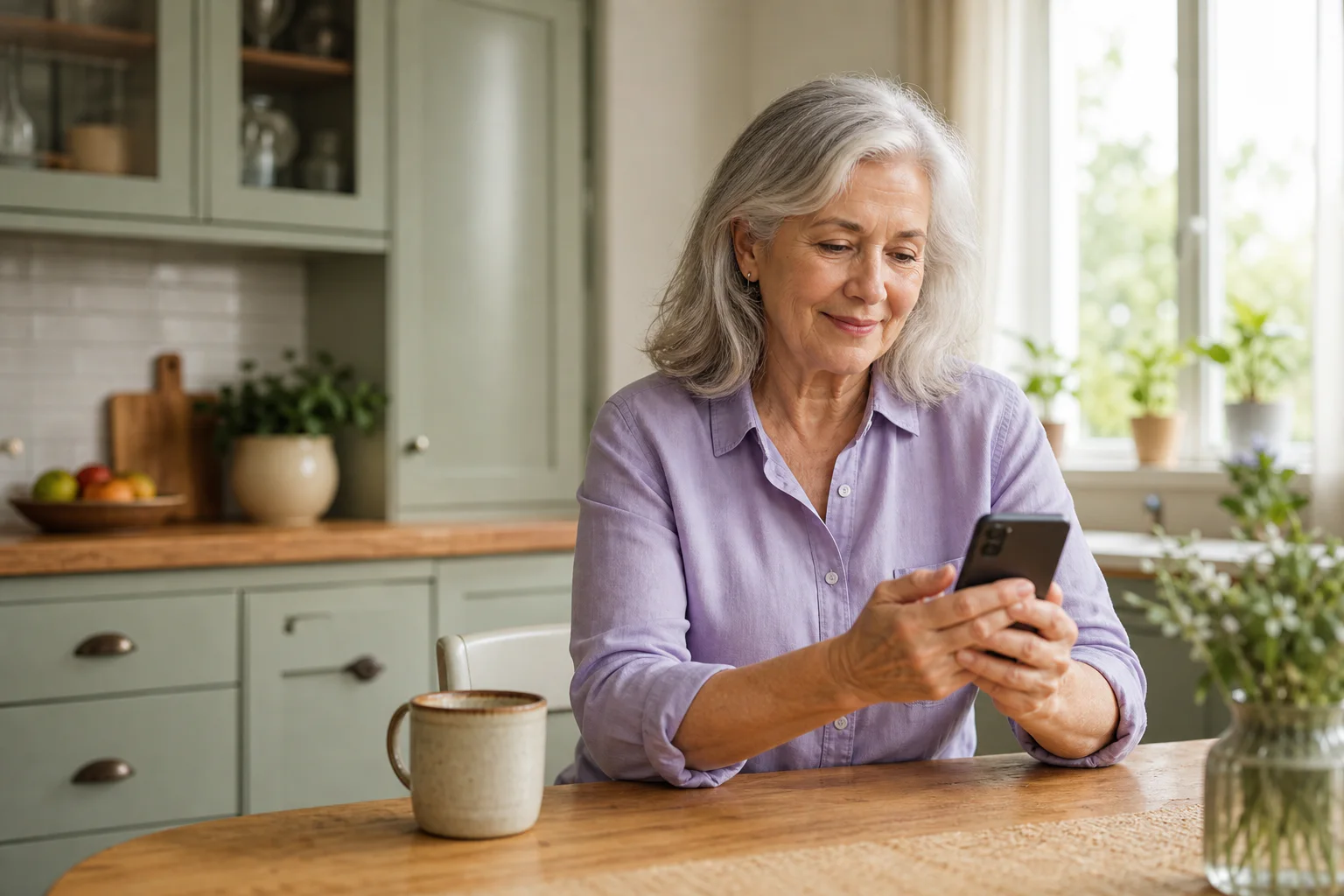
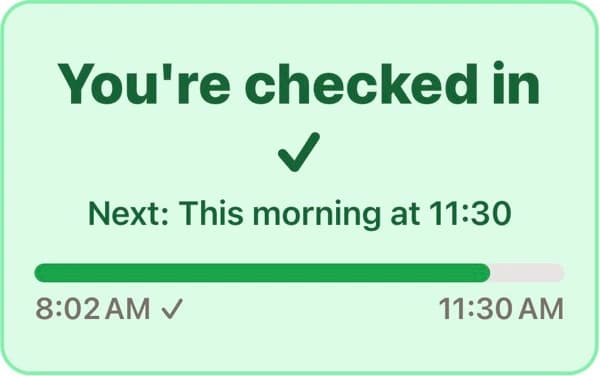
No complex hardware. No confusing setup. Just a small daily habit.
Check-in time
9:00 AM daily
Trusted person
Robert Carter
Alerted if you miss a check-in
Use the iPhone app, any web browser, or reply SAFE by text. Then get on with your day.

Check-in coming up in an hour
8:00 AM
Your check-in is scheduled for 9:00 AM.
Check-in reminder
8:45 AM
Your scheduled check-in is 15 minutes away.
Check-in in 5 minutes
8:55 AM
EverWhen sends this reminder by push and SMS.
Gentle reminders come first. On Pro, Joanne—EverWhen's automated Wellness Agent—calls before your trusted people are alerted.
See what happens before and after the scheduled time. Checking in at any point stops the sequence immediately. Joanne and later automated calls are Pro features.
8:00 AM · T−60
EverWhen sends a push notification one hour before your scheduled check-in.
8:45 AM · T−15
A push notification reminds you that check-in time is getting close.
8:55 AM · T−5
EverWhen sends a push notification and an SMS reminder.
9:00 AM · T+0
Tap Check In Now in the app or web—or reply SAFE by text.
9:05 AM · T+5
Push and text reminders make sure a forgotten tap does not become a false alarm.
9:10 AM · T+10
Joanne calls to ask whether you are okay and stands everything down if you answer.
9:15 AM onward
Your chosen people receive safety alerts. On Pro, EverWhen may call them automatically, one at a time, until someone agrees to check on you.

On Pro, and only after you turn calls on, Joanne calls about 10 minutes after a missed check-in to ask if you are okay. She speaks in a warm, natural voice and clearly explains why she is calling: “Hello Evelyn, it's Joanne from EverWhen.”
EverWhen keeps ordinary days quiet, then gives your people a clear plan when something actually needs attention.
Keep your routine, privacy, and independence—with a small daily habit that makes sure someone notices if you cannot respond.
See how EverWhen works for you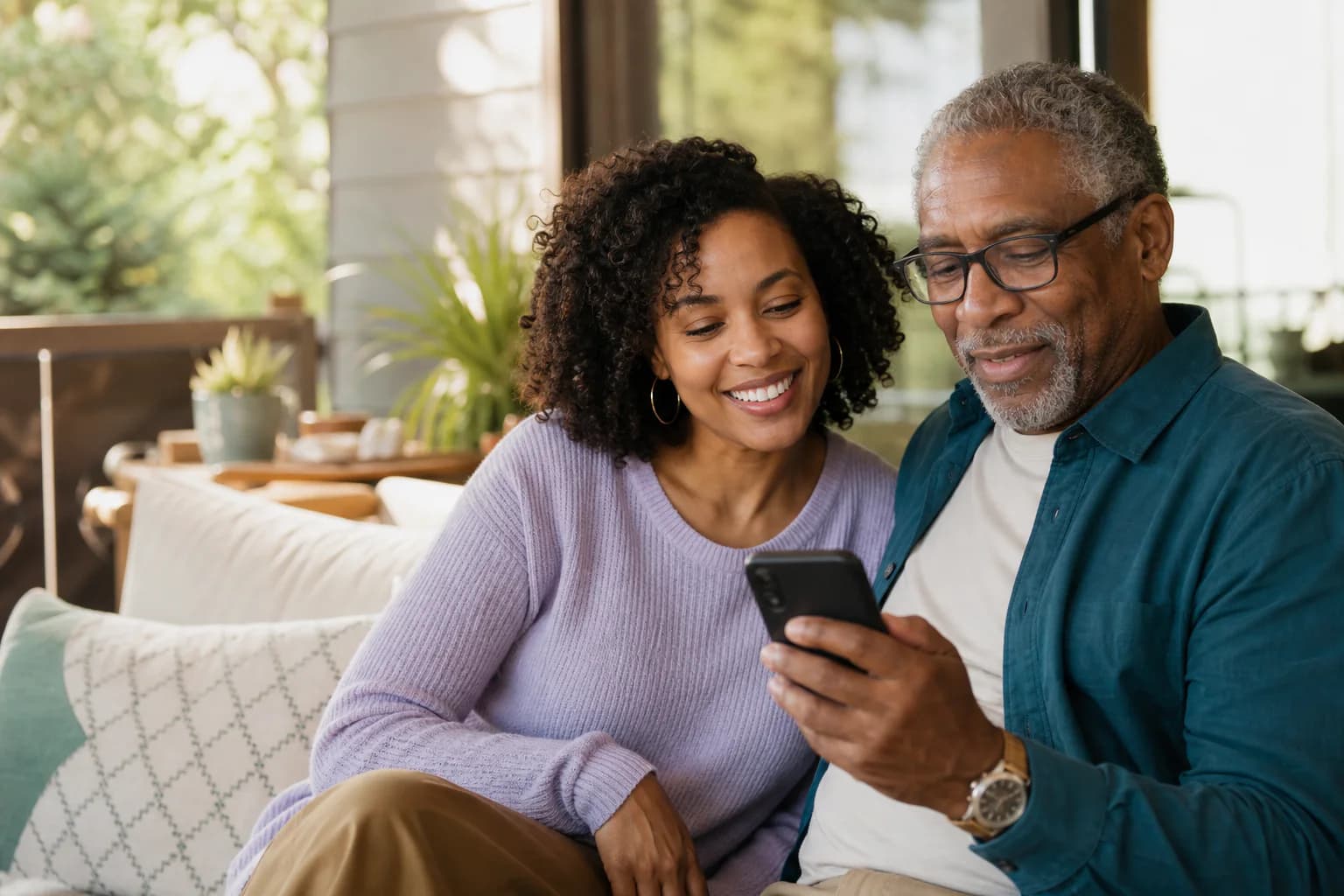
Know they checked in without hovering. If something is wrong, coordinate with family, neighbors, and caregivers in one place.
See the family experienceKeep the routine calm and useful—then have the important details ready if a day does not go as planned.
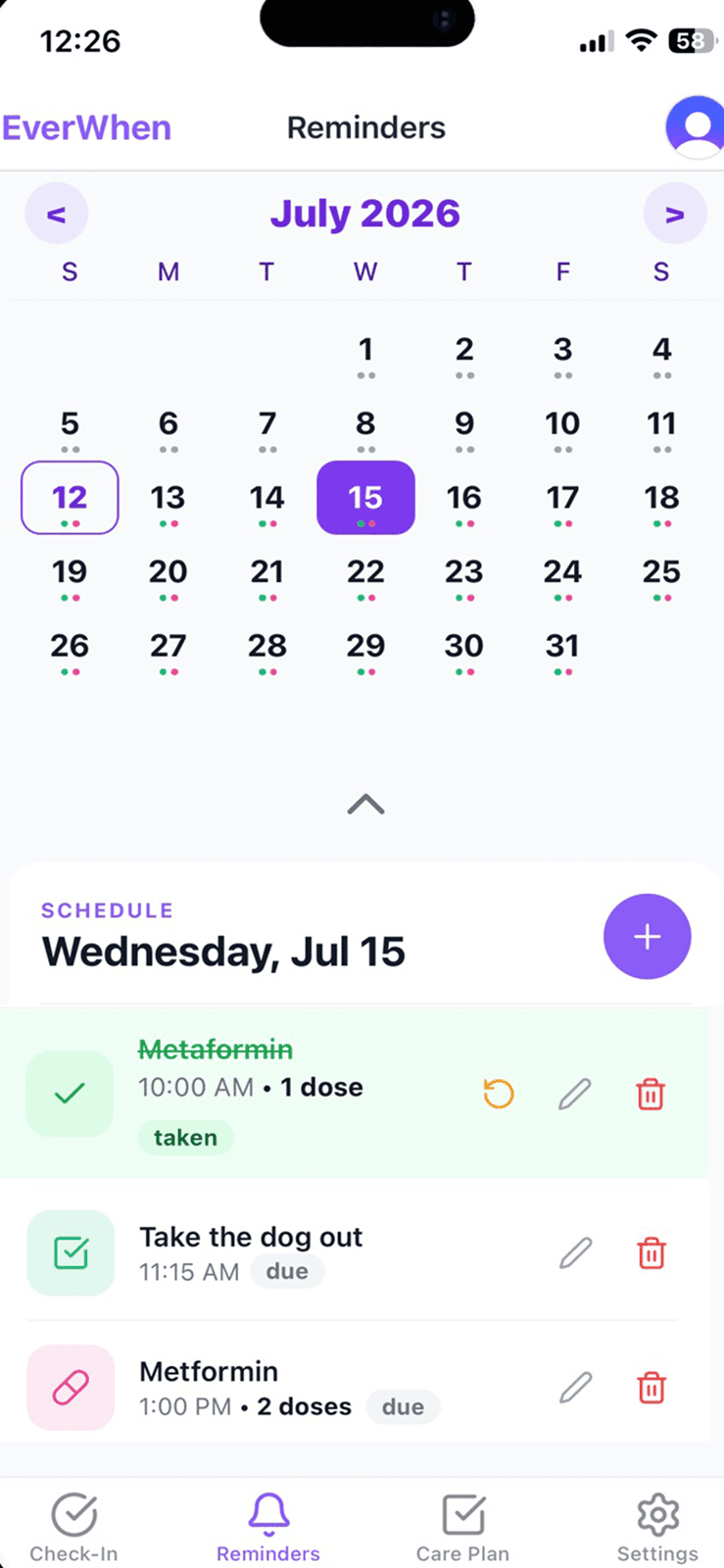
Medication, appointment, and task reminders help the day stay familiar—not clinical.
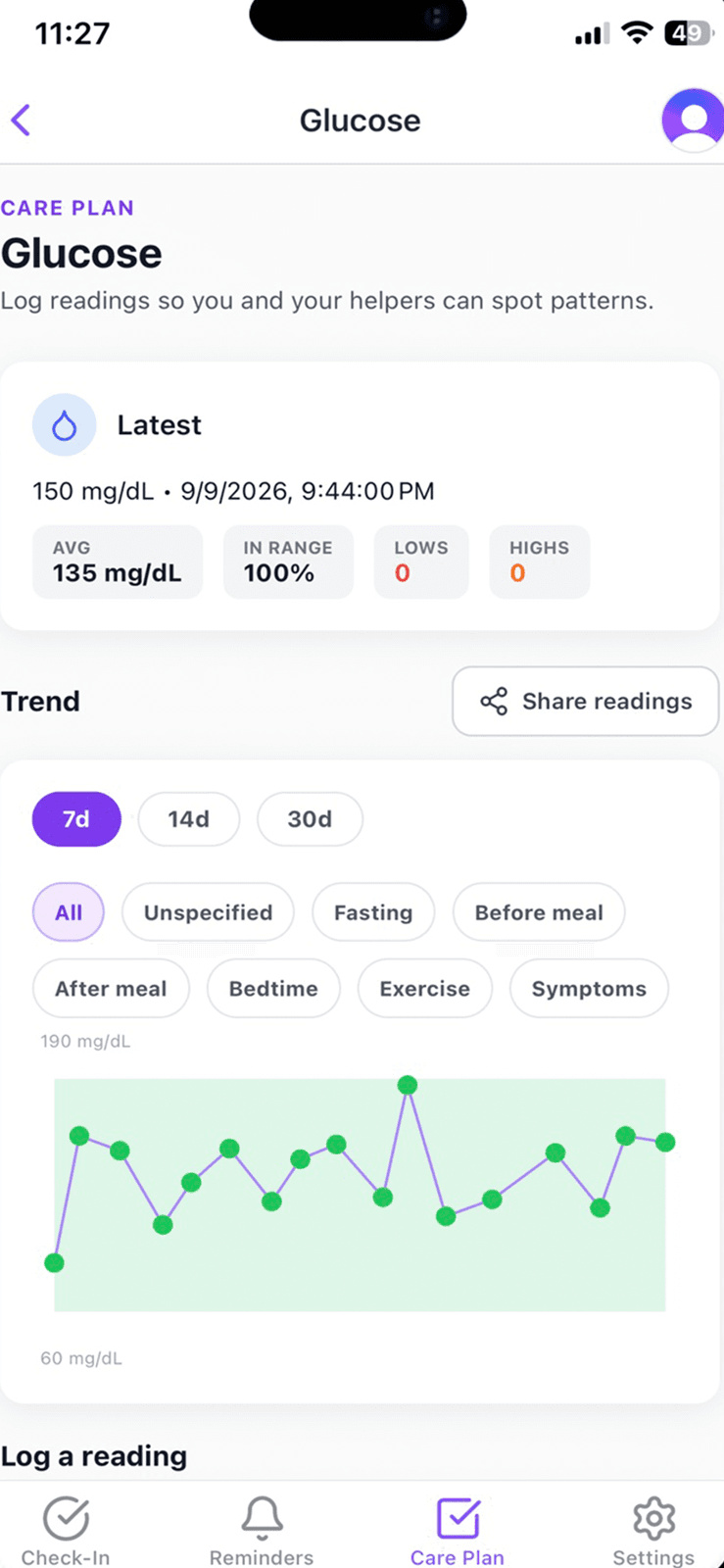
Record glucose readings with useful context, review history, and choose which permitted helpers can see them.
In an emergency
Allergy: Shellfish
Dr. Morgan · side entrance
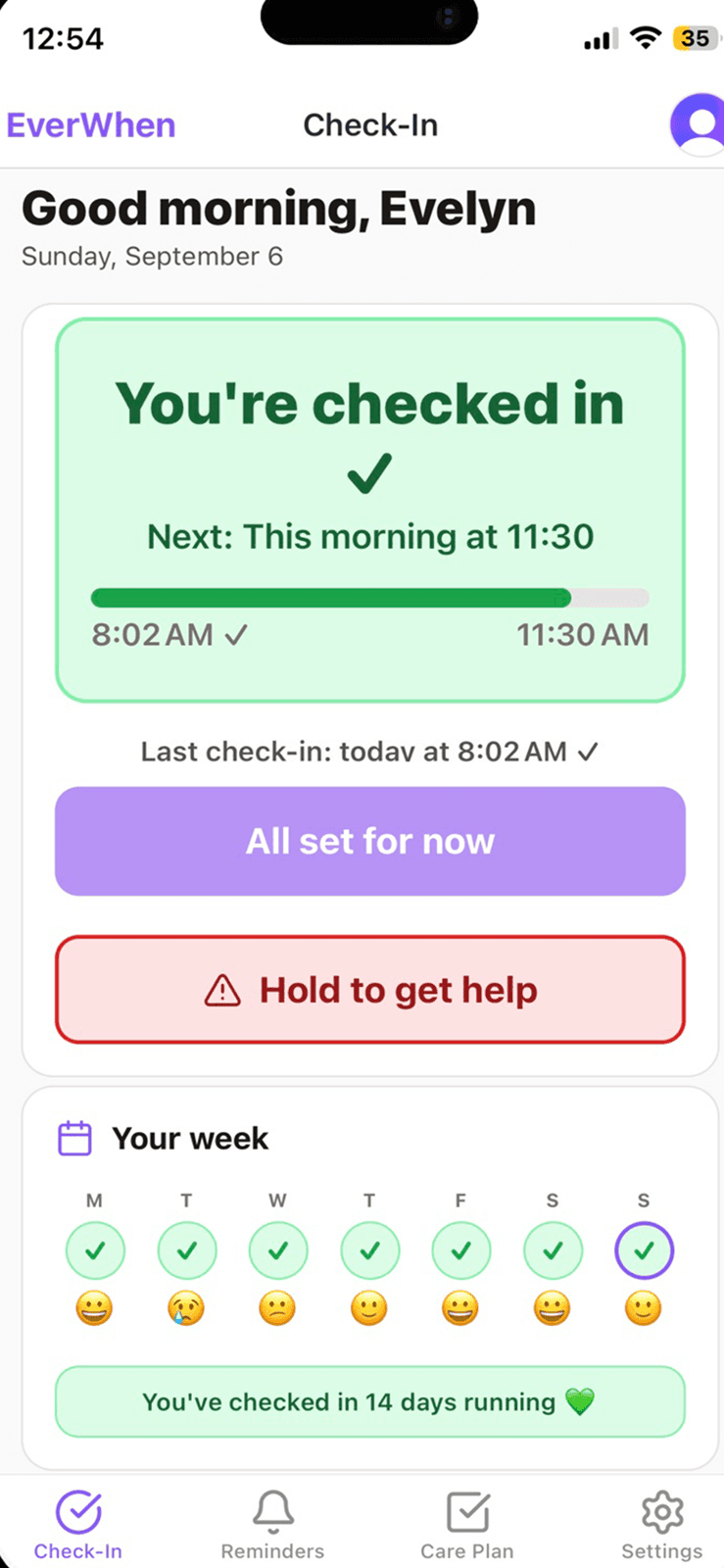
After checking in, choose Great, Okay, Low, or Rough—or skip the question for the day. The weekly view keeps the check-in and the feeling beside each other, without turning either one into a report card.
Moods do not trigger calls, texts, or safety incidents. They are a quiet way to share context—not a medical assessment.
Basic Care
A useful daily check-in and core reminders—no credit card required.
EverWhen Pro
Monthly
$18.99/mo
Yearly
$169.99/yr
The full safety net and family coordination.
New subscribers get a 14-day free trial on monthly and yearly plans. Cancel anytime.
Use EverWhen your way
Use the same EverWhen account and settings on iPhone or in any web browser.
No. Location is optional and off by default. If enabled, it is requested only after a missed check-in and shared with your trusted responders.
No. EverWhen alerts your own care network and keeps a Call 911 button easy to reach. A person always decides whether emergency services are needed.
No. Someone can receive safety alerts by text and email—and automated safety calls on Pro—without installing anything. An EverWhen account is only needed if you also give them app access.
Joanne uses a warm, natural-sounding voice and speaks conversationally. She opens with, “Hello Evelyn, it's Joanne from EverWhen,” then explains that she is calling because you missed a check-in. Joanne is automated, even though she does not say that phrase in her greeting.
Start free in a few minutes. No hardware, no cameras, and no always-on tracking.